More than a dialer
CRM, calling, lead ops, automation, appointments, IVR, and reporting work together.
Product · RingPilot
Manage leads, make more meaningful calls, automate follow-ups, and grow faster — one connected workspace for sales teams, appointment setters, agencies, BPOs, and service businesses.
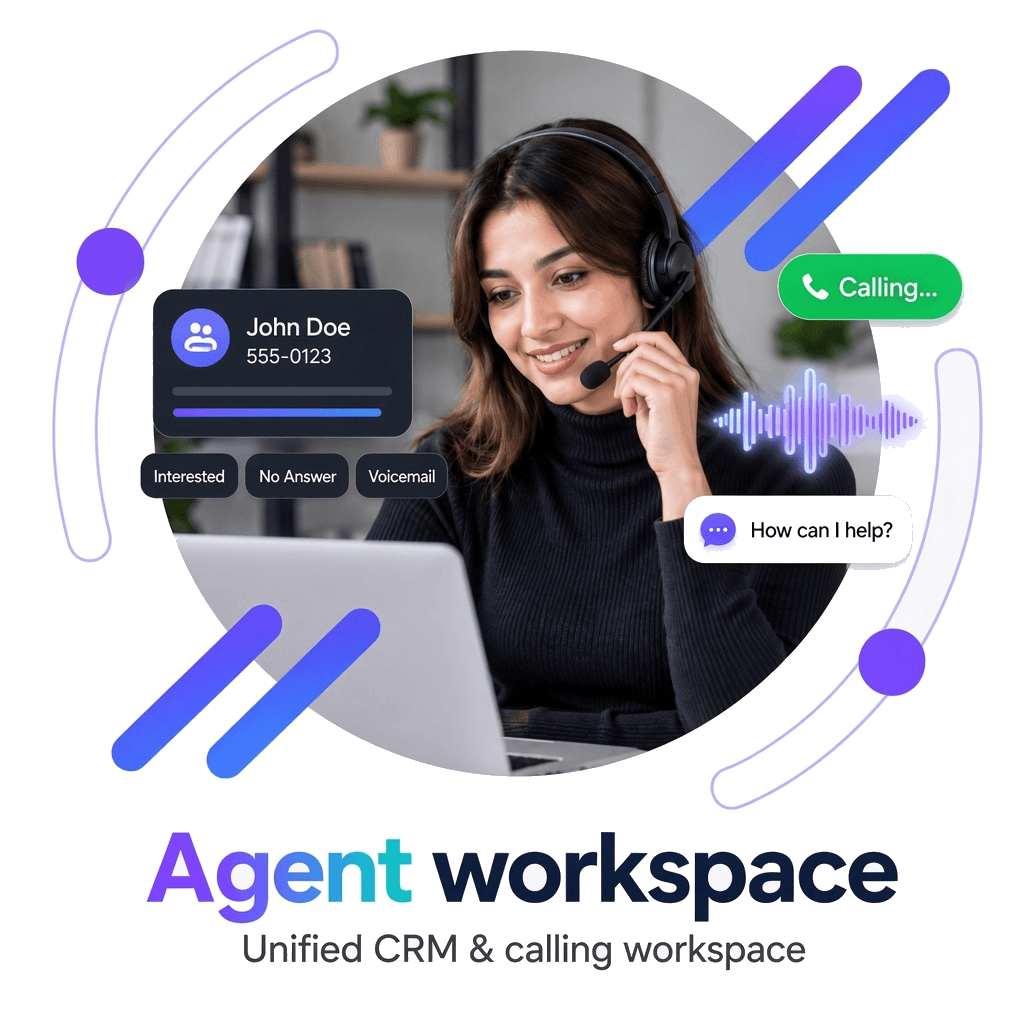
CRM + calling in one agent workspace
Auto dial, click-to-call, and manual calling modes
Disposition-driven email, SMS, reminders, and nurture
Appointments, lead scoring, IVR, caller IDs, and live analytics
CRM+Dial
Calling connected to lead records
Auto
Follow-ups from dispositions
Book
Appointments while prospects engage
Live
Agent & campaign dashboards
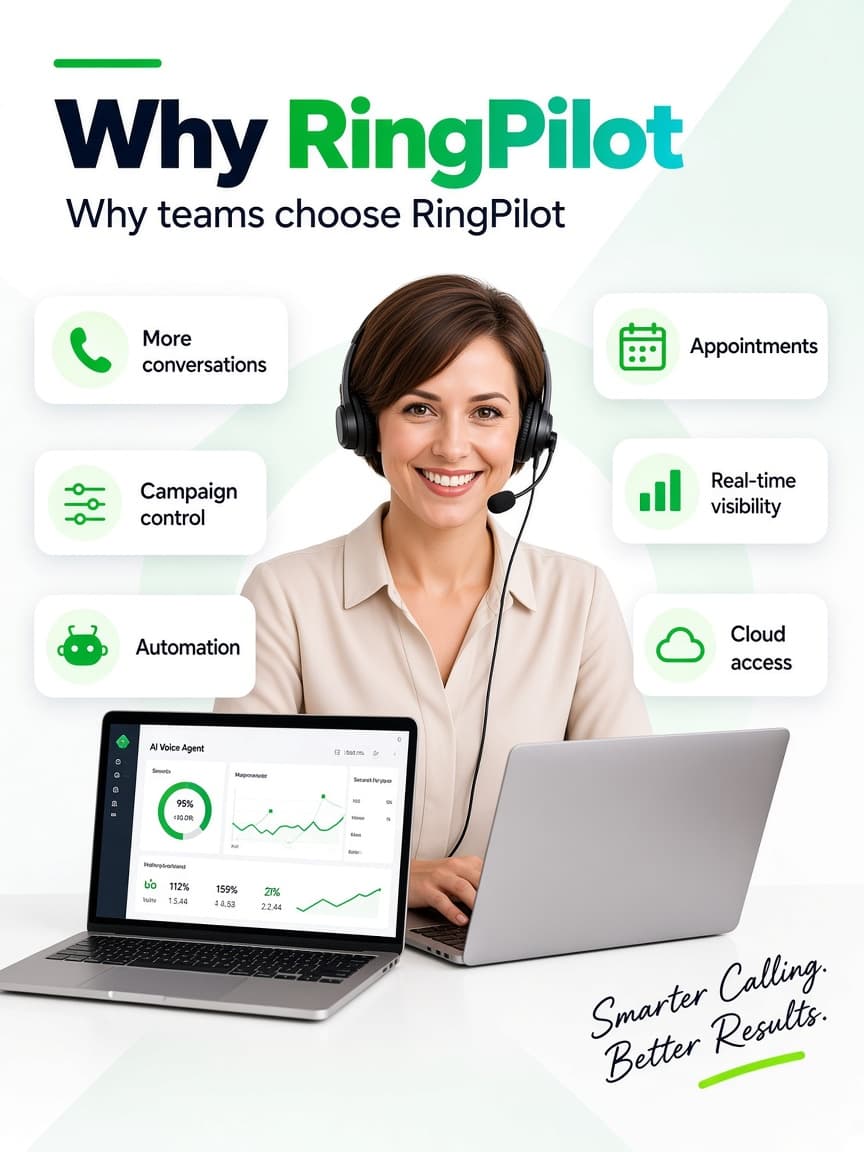
More conversations
Reduce time lost between records, dials, and post-call admin.
Why RingPilot
Instead of switching between dialer, CRM, spreadsheets, SMS, email, and calendar — RingPilot keeps outreach in one structured operating environment.
CRM, calling, lead ops, automation, appointments, IVR, and reporting work together.
Move continuously from lead selection to conversation, outcome, and next step.
Cut repetitive post-call work with email, SMS, reminders, and tasks.
Choose auto dial, click-to-call, or manual mode by campaign needs.
Turn live conversations into scheduled meetings and reminders.
Support office, remote, and distributed teams in one SaaS environment.
Platform pillars
 01
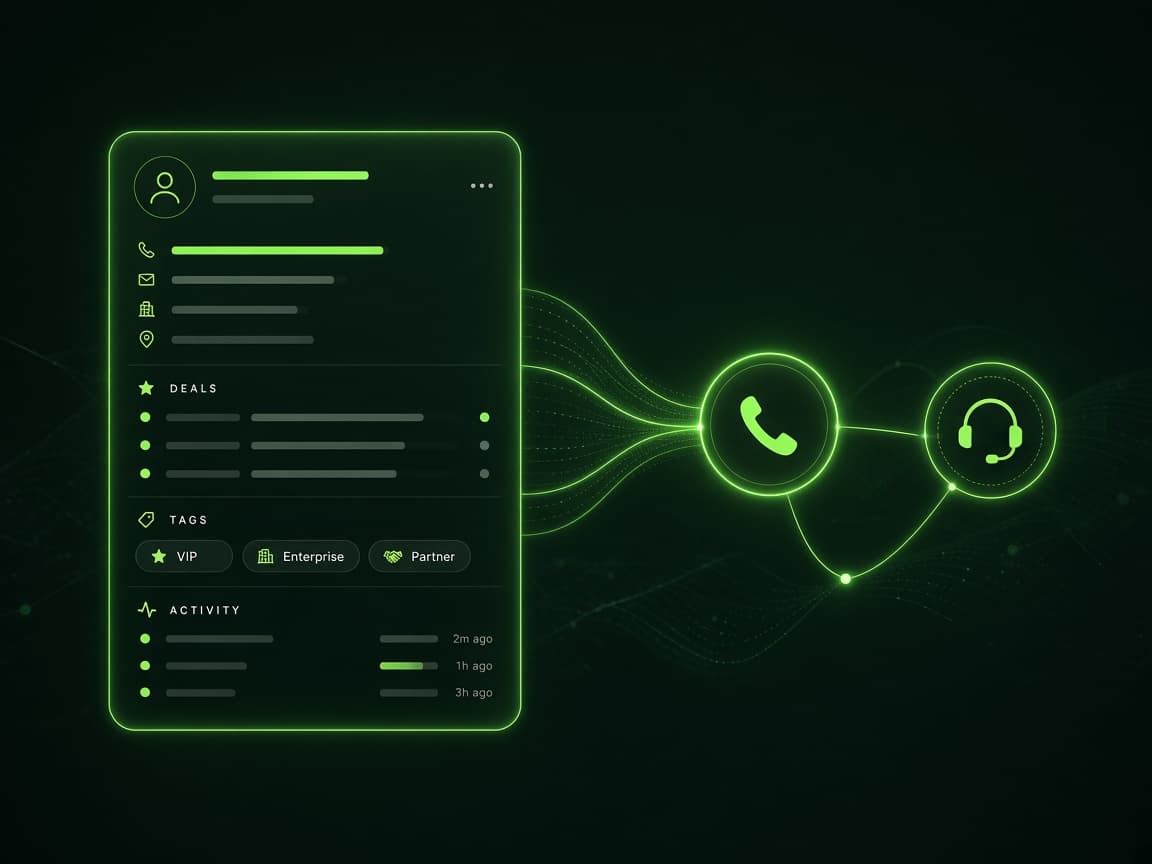
01Lead records, history, scripts, call controls, notes, and dispositions in one workspace.
 02
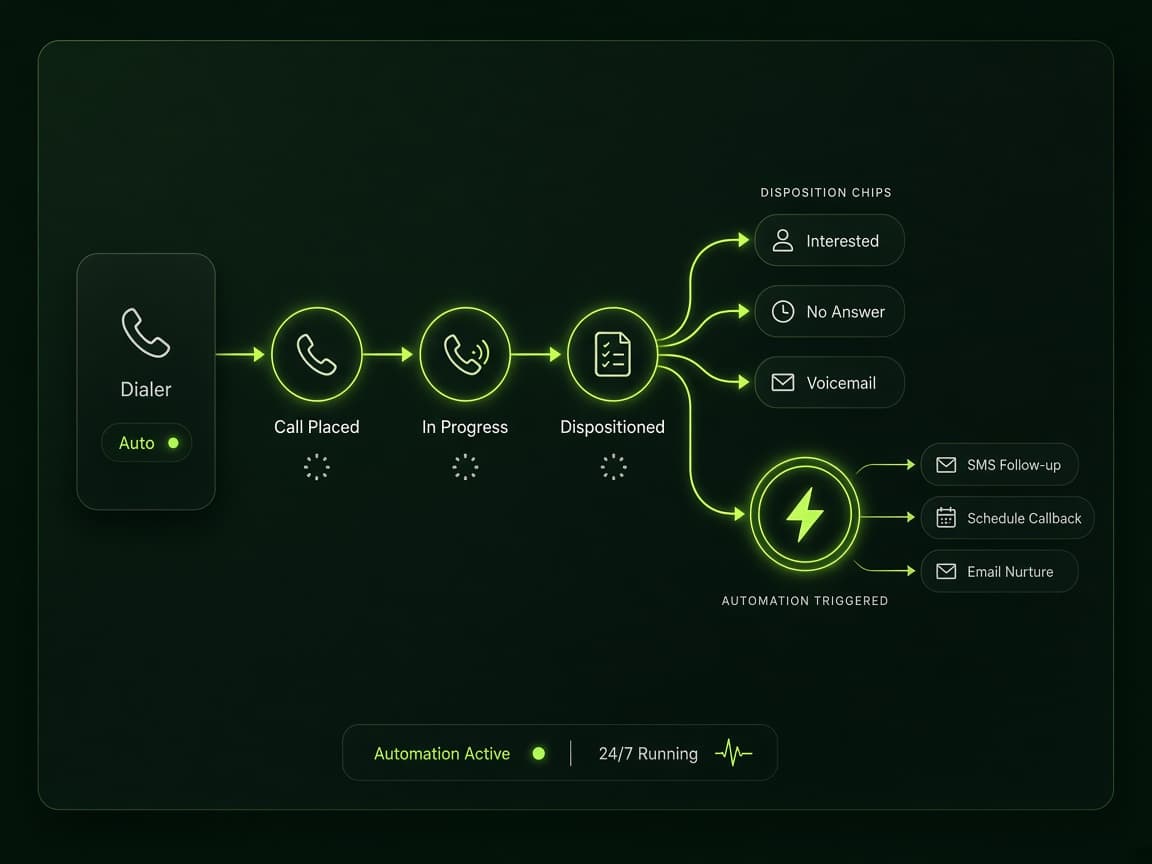
02Trigger emails, SMS, reminders, tasks, and nurture journeys from call outcomes.
 03
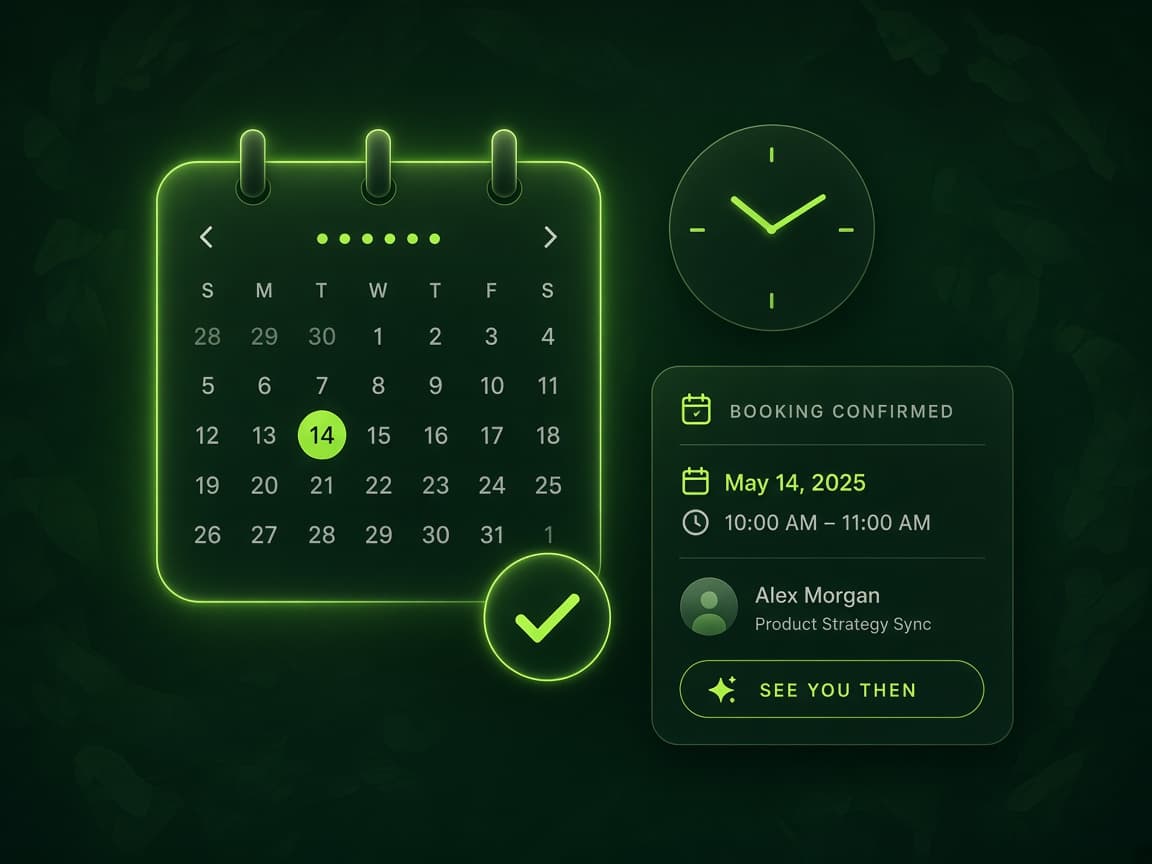
03Schedule consultations, callbacks, demos, or service visits while the prospect is engaged.
 04
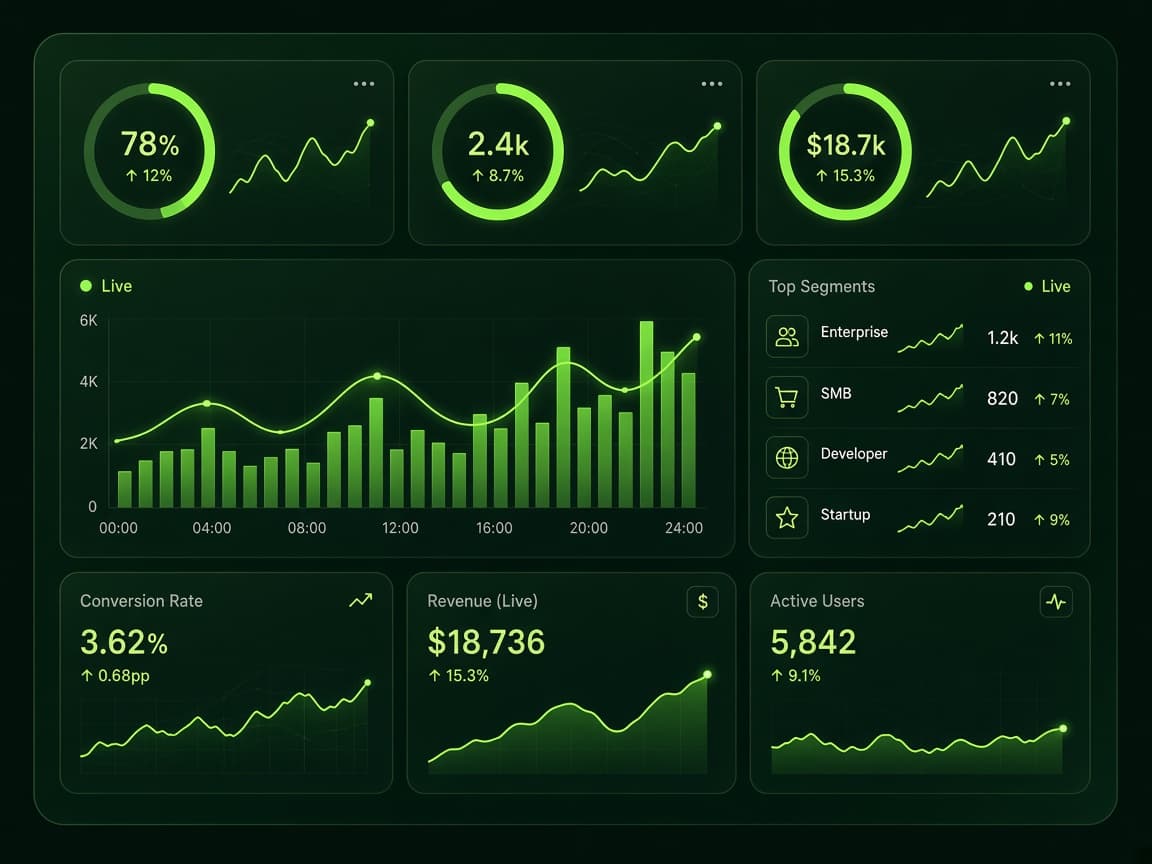
04Track agents, calls, leads, dispositions, appointments, and productivity from live dashboards.
Capabilities
Lead records, history, scripts, call controls, notes, and dispositions in one workspace.
Trigger emails, SMS, reminders, tasks, and nurture journeys from call outcomes.
Schedule consultations, callbacks, demos, or service visits while the prospect is engaged.
Buy, assign, organize, and track outbound numbers across campaigns and teams.
Handle callbacks and inbound enquiries with menus, departments, and business-hour rules.
Track agents, calls, leads, dispositions, appointments, and productivity from live dashboards.
Connect Microsoft Outlook Calendar to schedule callbacks, demos, and reminders from the dialer flow.
Categorize Hot, Warm, or Cold leads from agent dispositions so teams prioritize intent faster.
Turn recordings into transcripts and AI summaries with needs, objections, and next actions.
Lead journey
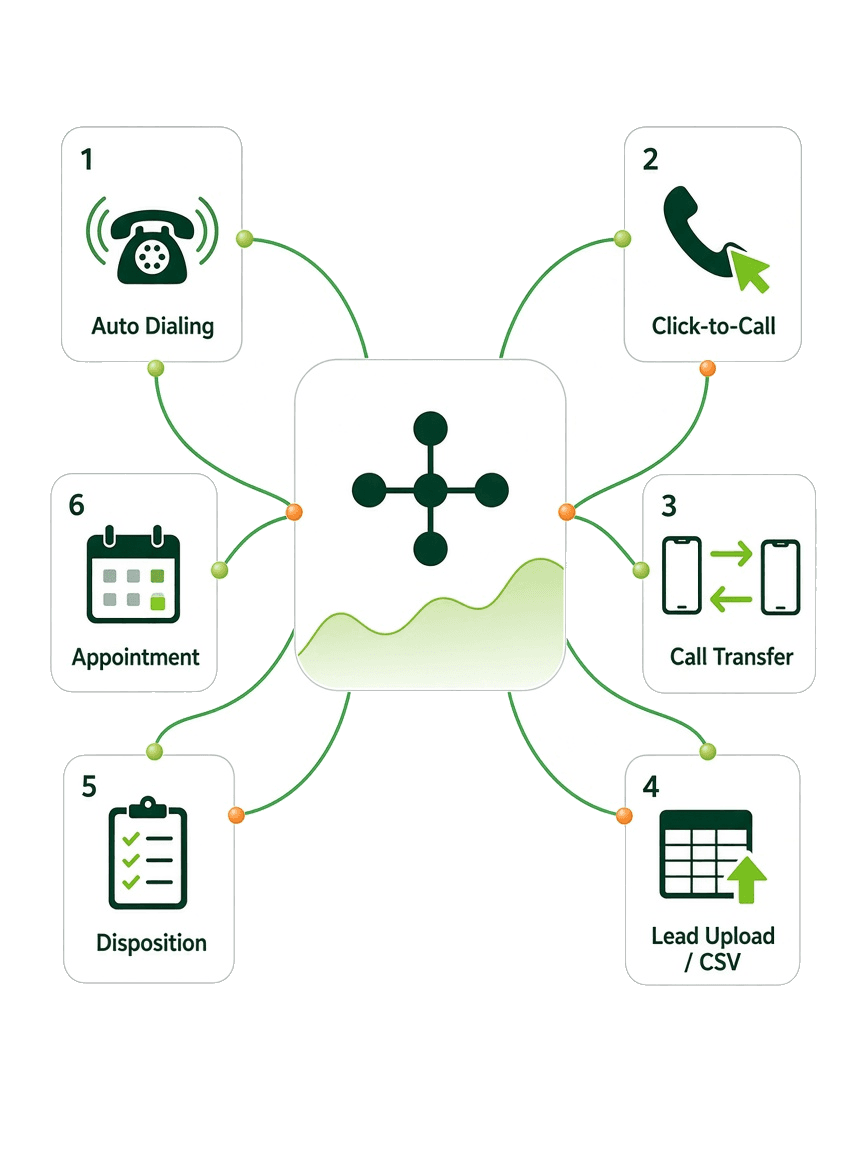
Upload contacts or CSV files with field mapping.
Route leads to the right campaign, agent, or team.
Use auto dial, click-to-call, or manual calling.
Capture dispositions, notes, and updates consistently.
Trigger email, SMS, reminders, nurture, or callbacks.
Schedule appointments, demos, consultations, or visits.
Monitor lead history, appointments, and campaign activity.
Use reports and dashboards to coach teams and optimize.
Before vs after
Lead records
Spreadsheets or a separate CRM
Connected directly to calling workflows
Follow-up
Depends on agent memory
Automated from dispositions and events
Appointments
Booked in another tool
Scheduled inside the lead workflow
Scripts
Shared files and outdated versions
Centrally managed and campaign-specific
Reporting
Manual spreadsheets
Real-time and historical dashboards
Customer context
Scattered across tools
Complete activity history in one record
Agent workspace
Calling is part of relationship management — not a separate activity. Agents review context, connect, follow scripts, capture outcomes, and trigger next steps without leaving the workspace.
Lead details, history, notes, activity, campaign info, and follow-up status.
Auto dial, click-to-call, manual calling, transfer, and attended transfer.
Phone scripts, objection handling, and campaign-approved talking points.
Structured dispositions, notes, status changes, and lead updates.
Send email or SMS, schedule callbacks, and create appointments.
Call logs, lead history, appointment status, and communication records.
Built for every role
 01
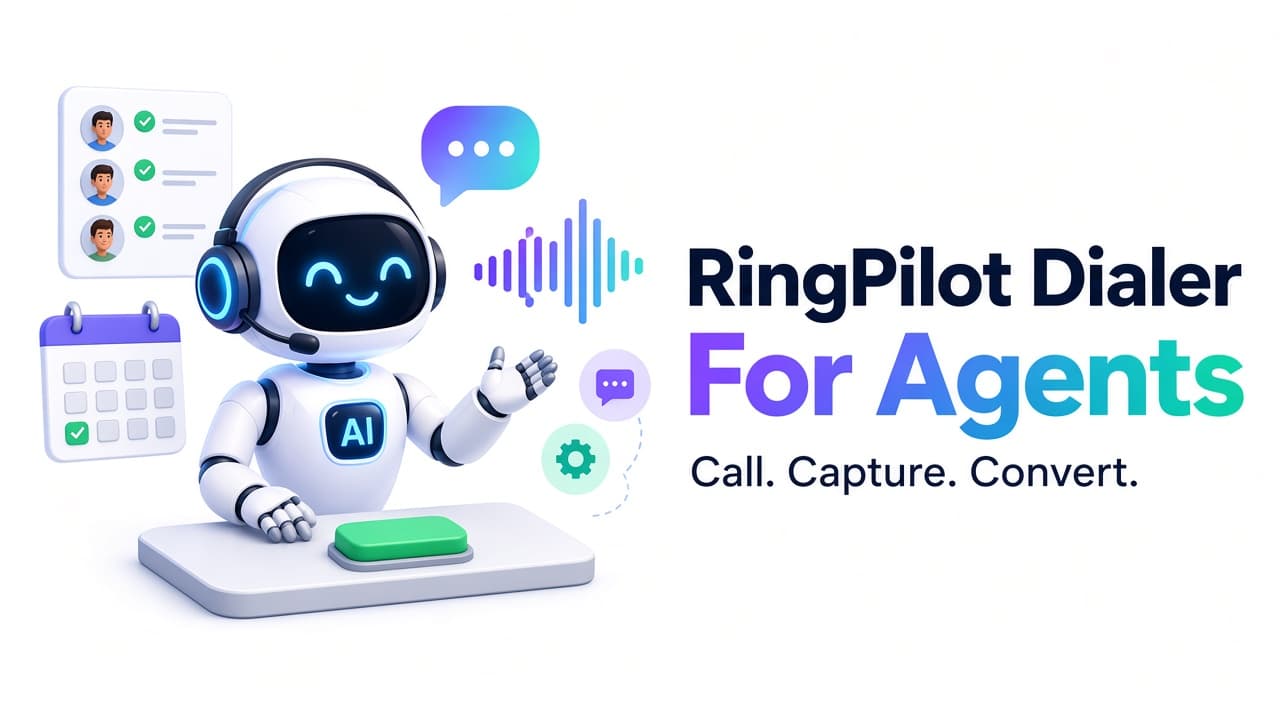
01Work leads, call faster, follow scripts, capture outcomes, automate follow-up, and book appointments.
 02
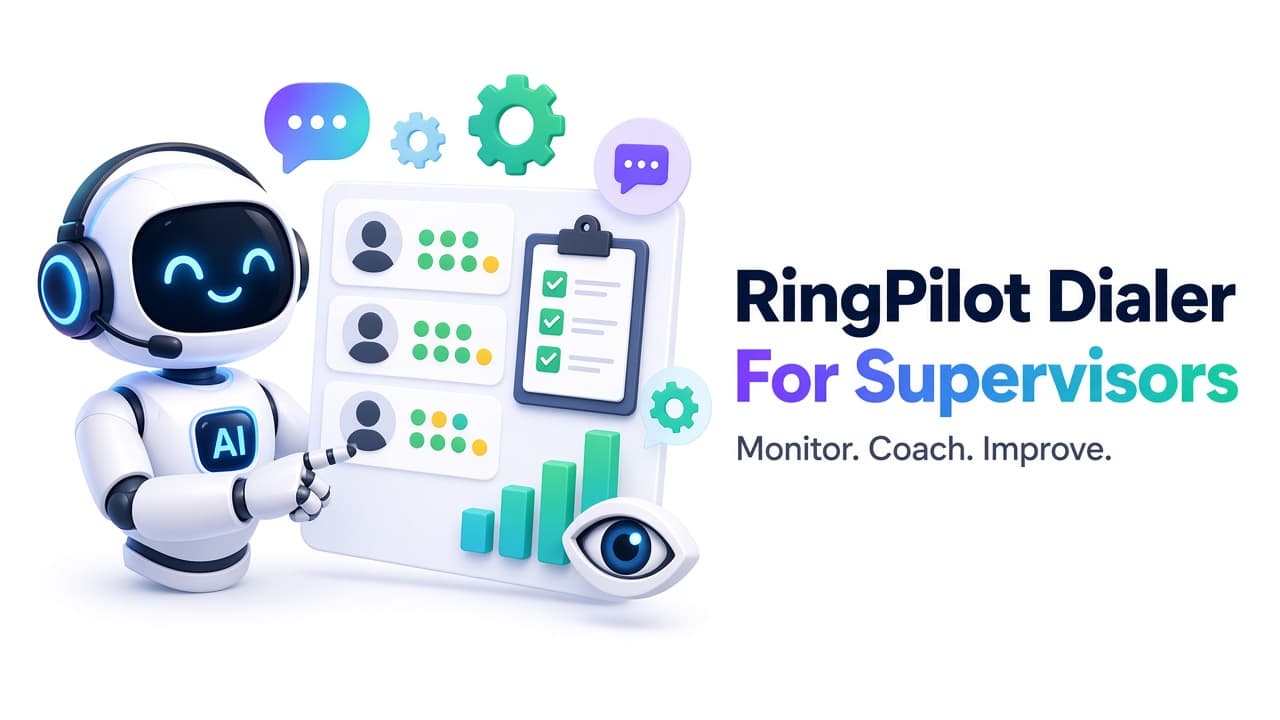
02Track team activity, review outcomes, identify coaching needs, and monitor lead progress.
 03
03Configure campaigns, users, scripts, templates, caller IDs, IVR, automations, and permissions.
 04
04Understand productivity, compare campaigns, monitor appointments, and scale with control.
Industries
Appointment setting, renewal outreach, policy follow-up, and agent performance.
Consultation scheduling, long-cycle nurture, controlled messaging, and lead tracking.
Speed-to-lead calling, buyer/seller follow-up, and site-visit appointments.
Multiple campaigns, teams, caller IDs, scripts, automations, and client reporting.
Appointment coordination, reminders, patient outreach, and inbound routing.
Admissions outreach, counselling bookings, lead nurture, and enrolment campaigns.
Fast lead response, job scheduling, confirmations, and follow-up tracking.
Lead qualification, demos, callbacks, nurture sequences, and campaign analytics.
Dialing modes
Work campaign queues efficiently and reduce idle time between dials.
Start calls from lead records when preparation and context matter.
Handle callbacks, warm leads, priority contacts, and referrals.
Move conversations to another agent, team, or specialist.
Share context with the receiving agent before completing handoff.
Standardize outcomes for reporting, scoring, and automation.
Lead operations
Lead scoring
Not every lead deserves the same attention. Disposition-based scoring helps teams focus where conversion likelihood is highest.
High-intent prospects with strong interest, appointment intent, or buying readiness.
Interested contacts that need nurture, more information, or a scheduled follow-up.
Lower-priority contacts with limited interest or outcomes that do not need urgent attention.
Automation
Example flow: agent completes call → selects Appointment Booked → confirmation email/SMS sent → meeting added to calendar → reminder delivered → outcome appears in reports.
01
Send campaign-approved messages after calls, appointments, or status changes.
02
Deliver confirmations, reminders, no-answer follow-ups, and nurture messages.
03
Launch actions automatically when agents record specific outcomes.
04
Keep long-cycle prospects warm with scheduled communication.
05
Send confirmations and reminders around booked meetings.
06
Create callbacks and next-step reminders without manual coordination.
Analytics
Call activity, contacts, outcomes, and productivity by user.
History, durations, outcomes, and recordings where enabled.
Assignment, activity, status, and campaign movement.
Outcome mix across teams and campaigns.
Booked meetings, follow-ups, and scheduling activity.
Live performance without waiting on spreadsheets.
Audience fit
Outbound sales and tele-calling teams that need CRM + dialer together
Appointment setters booking demos, counselling, or site visits on-call
BPOs and agencies running multiple campaigns with shared controls
Service businesses combining outbound calling with inbound IVR callbacks
Business impact
01
Reduce time lost between records, dials, and post-call admin.
02
Automate communication and structured callback workflows from dispositions.
03
Schedule the next step while the prospect is still engaged.
04
Give managers clear visibility into activity, scores, and outcomes.

Next step
Explore lead workflow, agent workspace, automation, appointments, caller IDs, IVR, and reporting in a guided demo.
RingPilot is a cloud CRM and intelligent business calling platform that helps teams manage leads, make outbound calls, automate follow-ups, schedule appointments, route inbound calls, and track performance.
Auto dialing, click-to-call, and manual calling — plus transfer and attended transfer for handoffs.
Yes. Agents can book appointments, demos, consultations, callbacks, or service visits from the lead workflow — including Microsoft Outlook Calendar integration.
Dispositions can categorize leads as Hot, Warm, or Cold so teams prioritize high-intent prospects first.
Yes. Organize outbound numbers across campaigns and build multi-level IVR with department routing and business-hour logic.
Yes. Common patterns use AI for first-touch qualification and RingPilot for human-led closing, appointments, or specialized campaigns.
No. It also includes lead management, customer records, email/SMS automation, appointment scheduling, IVR, caller ID management, scripts, templates, lead scoring, AI summaries, and reporting.
Yes. Bulk lead import supports field mapping, search, filters, assignment, and reassignment.
Yes. Workflows can send follow-ups, confirmations, reminders, and nurture messages based on dispositions or events.
Yes. Recorded conversations can be transcribed and summarized with key points, needs, objections, and follow-up actions.
RingPilot is our cloud CRM + dialer product experience. VICIdial customization is for teams already running VICIdial who need deep custom engineering.
Yes. It is cloud-based for office, distributed, and WFH operations with role-based access and shared campaign controls.
Next step
Reduce disconnected tools, improve agent productivity, automate follow-ups, and give managers the visibility to scale outreach with RingPilot.
